
Instructors can give feedback on Final Grades in the Gradebook Column in D2L.
To do this follow the steps:
In the Blue Navigation Bar, click on the Grades option. This will open your D2L Gradebook.
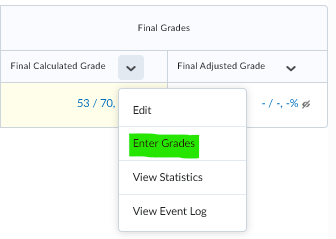
Scroll over to the Final Grade Column and click the Final Calculated Grade drop down arrow: Select Enter Grades.
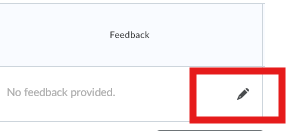
In the FEEDBACK box, click on the edit pencil:
This will bring up a feedback text box the instructor and student can see with comments regarding the individual grading.
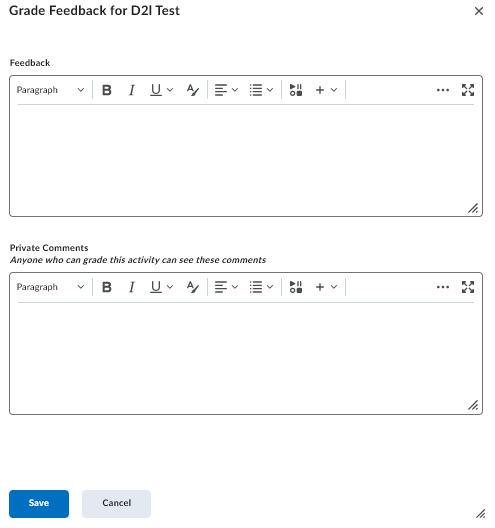
Click on the blue Save option.
NOTE: This feedback does not go back to Colleague